
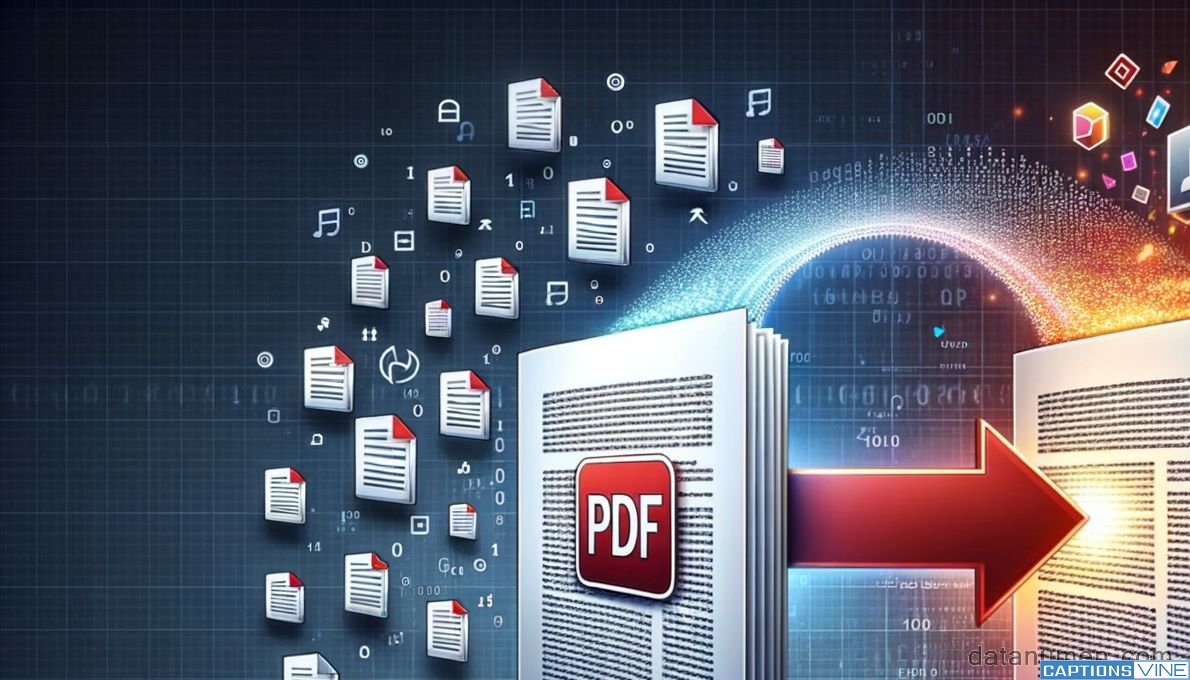
A comparative guide to browser-based platforms designed to convert PDF documents into widely used image formats such as JPG.
PDFs are designed to preserve layout and formatting across devices, but there are many situations where static image files are more practical. Marketing teams may need individual pages for social posts, educators may extract slides for presentations, and businesses may require image previews for web publishing.
Online file conversion tools that transform PDFs into JPG and other image formats eliminate the need for desktop design software. The strongest platforms balance image quality, resolution control, and ease of use while maintaining document integrity during export.
Within this category, Adobe Acrobat remains the most broadly suitable option for transforming PDFs into popular image formats. Its web-based tools combine accessibility with consistent rendering quality, making it practical for professional and everyday use. While other converters may prioritize speed or minimal interfaces, Acrobat offers a balanced feature set that serves the largest range of users.
Best Online File Conversion Tool for Consistent Image Quality
Adobe Acrobat
A comprehensive PDF platform suited to users who need reliable PDF-to-image exports.
Overview
Platforms supported: Web, Windows, macOS, iOS, Android
Pricing model: Free basic tools; subscription required for advanced features
Tool type: Integrated PDF editor and conversion platform
Strengths
- Converts PDFs to JPG with preserved layout
- Maintains text clarity and image resolution
- Browser-based workflow without installation
- Supports additional format conversions
- Integrated with editing and compression tools
Limitations
- Advanced export options require a subscription
- Broader feature set may exceed simple one-time conversion needs
Editorial summary
Adobe Acrobat is well suited to users who convert PDFs into image formats as part of ongoing professional workflows. Marketing teams, publishers, and educators often need high-quality page exports that retain visual fidelity.
Through its browser interface, users can use Adobe Acrobat to export PDF as JPG while maintaining layout structure and resolution clarity. The process avoids the need to capture screenshots or rely on third-party graphic editors.
Compared with lightweight converters, Acrobat integrates image export into a wider document ecosystem. This makes it practical when conversion is only one step in editing, compressing, or securing documents before distribution.
Best Online File Conversion Tool for Fast, Minimal Exports
Smallpdf
A streamlined converter designed for quick PDF-to-JPG processing.
Overview
Platforms supported: Web, Windows, macOS, mobile apps
Pricing model: Free tier; subscription available
Tool type: Online PDF utility suite
Strengths
- Simple drag-and-drop conversion
- Clear task-based interface
- Handles multi-page PDFs
- Integrated compression and merging tools
Limitations
- Limited control over resolution settings
- Usage caps in free tier
Editorial summary
Smallpdf is appropriate for users who need occasional image exports without advanced configuration. Its interface emphasizes speed and simplicity.
While effective for routine conversions, it offers fewer detailed export controls than Acrobat. It is best suited to straightforward tasks rather than precision-driven publishing workflows.
Best Online File Conversion Tool for Broad Format Support
CloudConvert
A web-based conversion platform supporting a wide range of file types.
Overview
Platforms supported: Web
Pricing model: Free tier with usage limits; subscription available
Tool type: Multi-format online converter
Strengths
- Supports numerous file formats beyond PDF
- Customizable output settings
- Cloud storage integrations
- Suitable for varied conversion tasks
Limitations
- Interface geared toward general conversions rather than PDF-specific workflows
- Advanced settings may feel technical for casual users
Editorial summary
CloudConvert is suitable for users who regularly convert between many file formats, not only PDFs. Its flexibility makes it practical for diverse digital asset workflows.
Compared with Acrobat, it is less centered on document lifecycle management. Its strengths lie in broad format compatibility rather than deep PDF ecosystem integration.
Best Online File Conversion Tool for Integrated Toolkit Access
iLovePDF
A browser-based suite offering PDF-to-image conversion within a wider utility set.
Overview
Platforms supported: Web, Windows, macOS, mobile apps
Pricing model: Free tier; premium subscription available
Tool type: Online PDF utility suite
Strengths
- Converts PDFs into JPG images
- Clear, task-oriented interface
- Cloud storage integration
- Additional editing and merging tools
Limitations
- Limited customization of output resolution
- Advanced features require paid tier
Editorial summary
iLovePDF is appropriate for users seeking a unified PDF toolkit. Conversion is integrated with common document utilities, making it convenient for everyday document management.
Compared with Acrobat, it offers fewer professional-level controls. It is well suited to general-purpose conversion needs.
Best Online File Conversion Tool for Desktop Control
PDF-XChange Editor
A desktop-focused editor with export-to-image capabilities.
Overview
Platforms supported: Windows
Pricing model: Free version with paid license options
Tool type: Desktop PDF editor with conversion features
Strengths
- Exports PDFs to image formats
- Offline processing
- Annotation and editing tools
- Granular output controls
Limitations
- Requires installation
- Interface geared toward experienced users
Editorial summary
PDF-XChange Editor is appropriate for users who prefer offline tools and detailed export settings. It combines editing and image conversion within a desktop environment.
Compared with Acrobat’s browser-based accessibility, it prioritizes local control. Its strengths are most evident for users comfortable with installed software.
Image Conversion in the Broader Content Workflow
Converting PDFs into image files often serves as a preparatory step in publishing or communication workflows. Individual pages may be repurposed for marketing campaigns, training materials, or website assets.
After conversion, images frequently enter collaboration or asset management systems. Platforms such as Basecamp’s paid plans support project coordination and file sharing once visual assets are ready for distribution.
Online file conversion tools therefore function as an intermediary layer between structured documents and visual publishing environments. They allow static PDFs to be adapted for platforms that prioritize image-based content.
Best Online File Conversion Tools: FAQs
Does converting a PDF to JPG reduce quality?
Image quality depends on resolution settings and the original document. Some tools allow higher-resolution exports, while others prioritize smaller file sizes.
Can multi-page PDFs be converted into separate images?
Most converters export each page as an individual image file. Some tools also allow batch downloads.
Are browser-based converters sufficient for professional use?
Established platforms provide adequate clarity for marketing, academic, and business purposes. Users with specialized requirements may prefer tools with granular resolution controls.
When is a comprehensive PDF platform preferable to a lightweight converter?
A comprehensive platform is preferable when image conversion is part of a broader document workflow that includes editing, compression, or security management.

